Visuals for your next campaign
Turn one image into visuals for your next campaign
Build visuals from your cutout with backgrounds, text, and templates. Adapt the image for a post or promotion without starting over with a different subject.
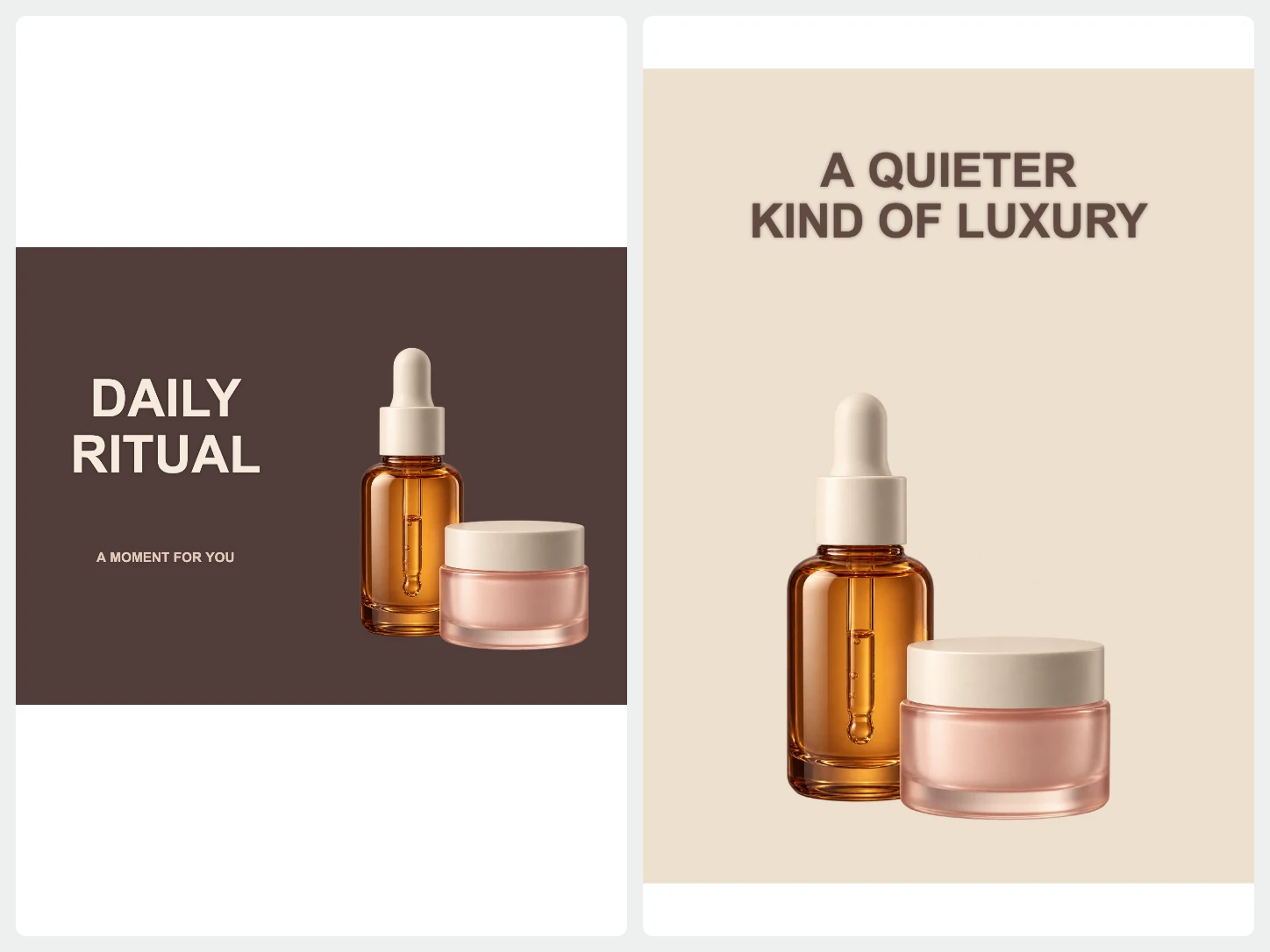
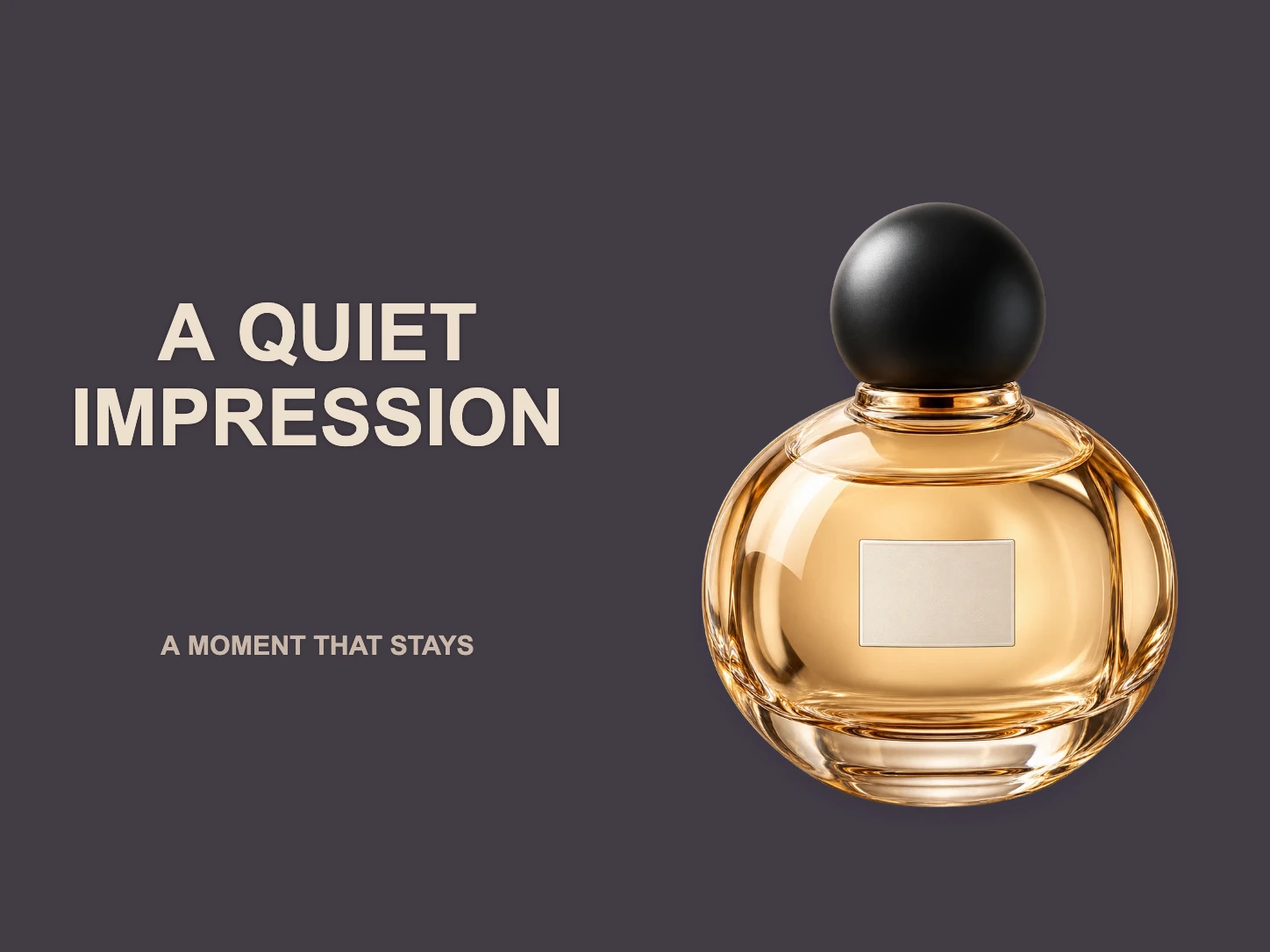
Build a composition around your subject.
Start from a template and add a text layer. Arrange the composition for a campaign image, thumbnail, or announcement.
Explore templates and text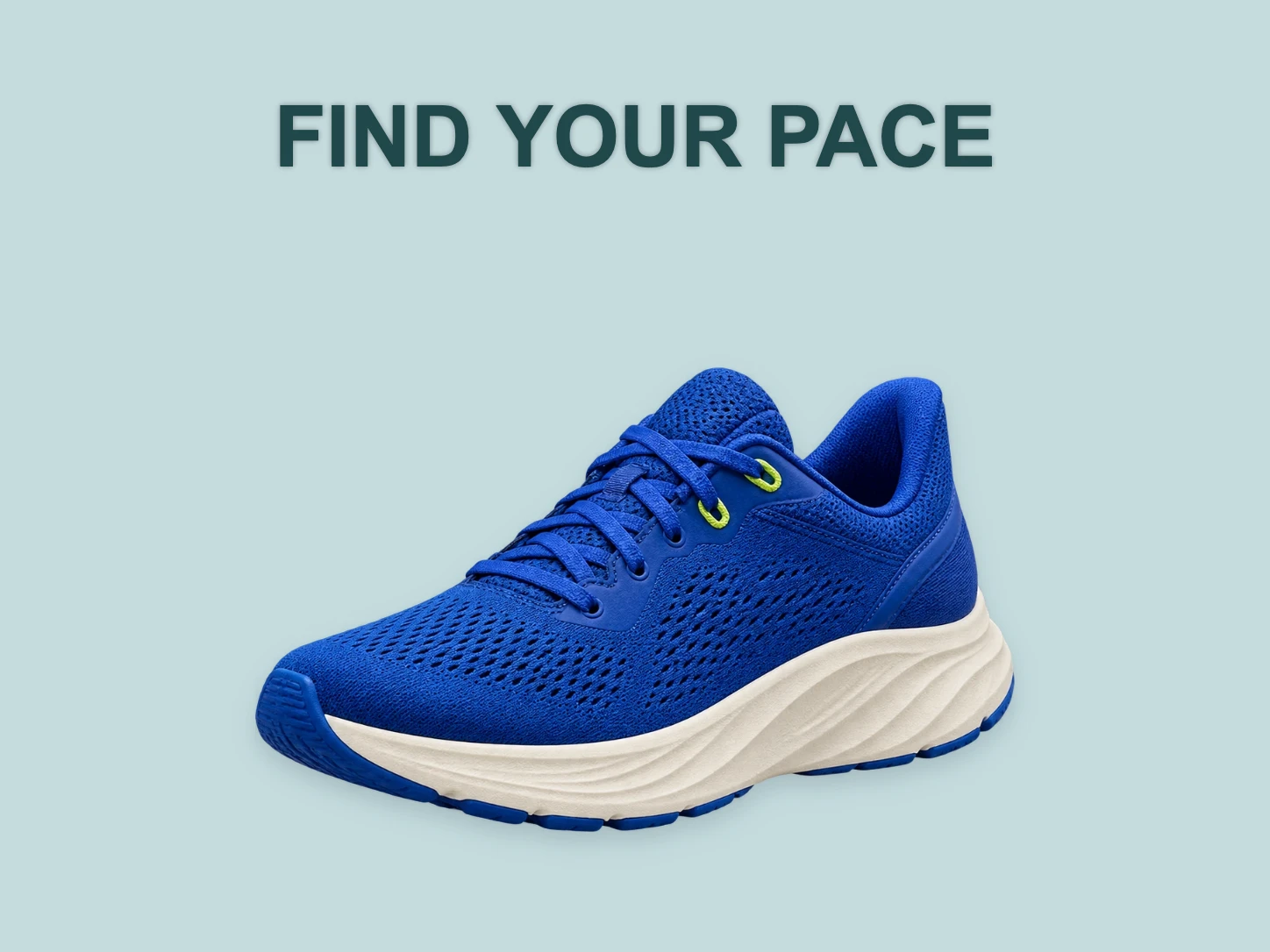
A new scene for a new message.
Describe a background for AI to generate, then place it behind your cutout. Review the colors and setting alongside the subject before exporting.
Generate an AI background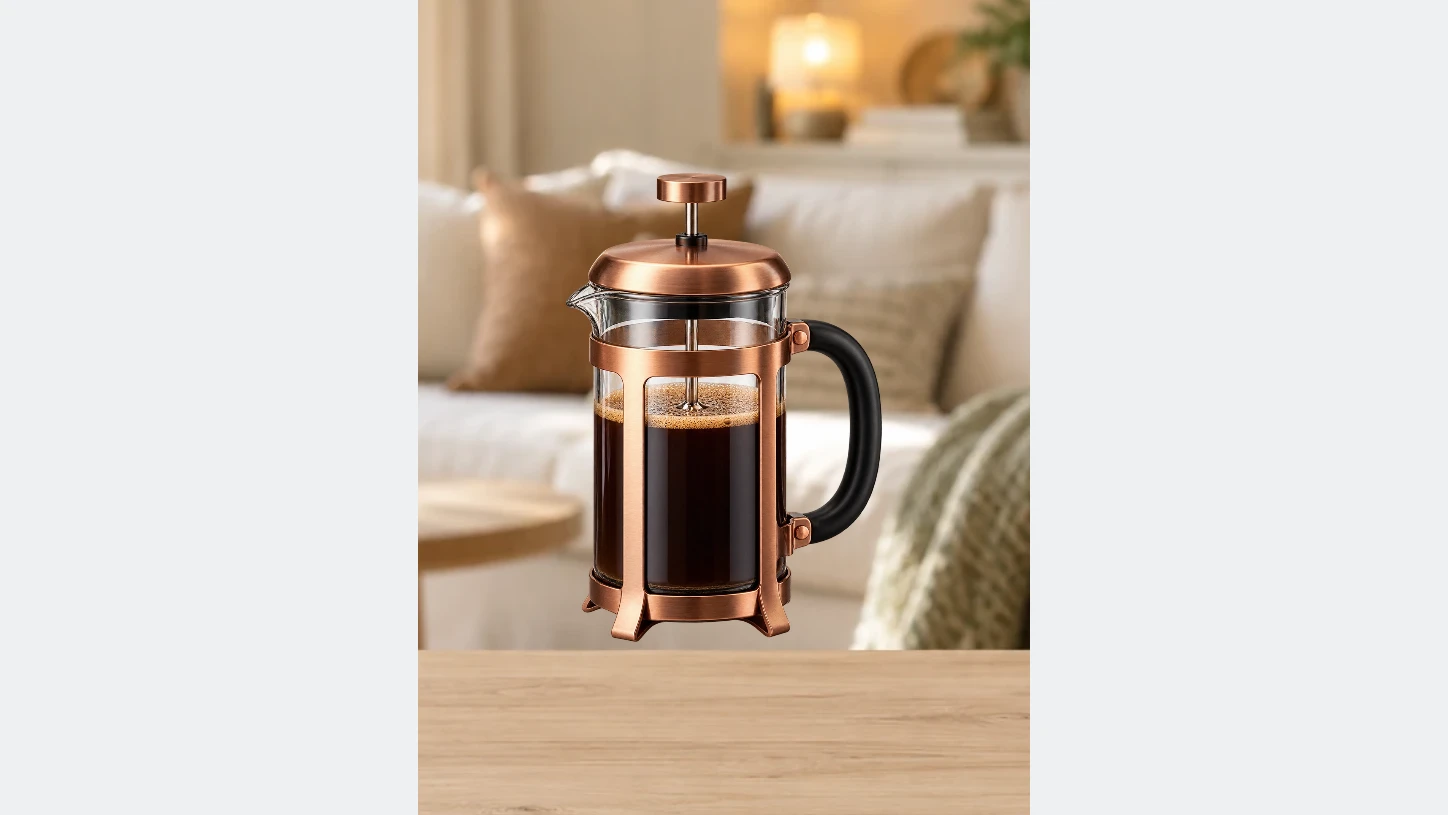
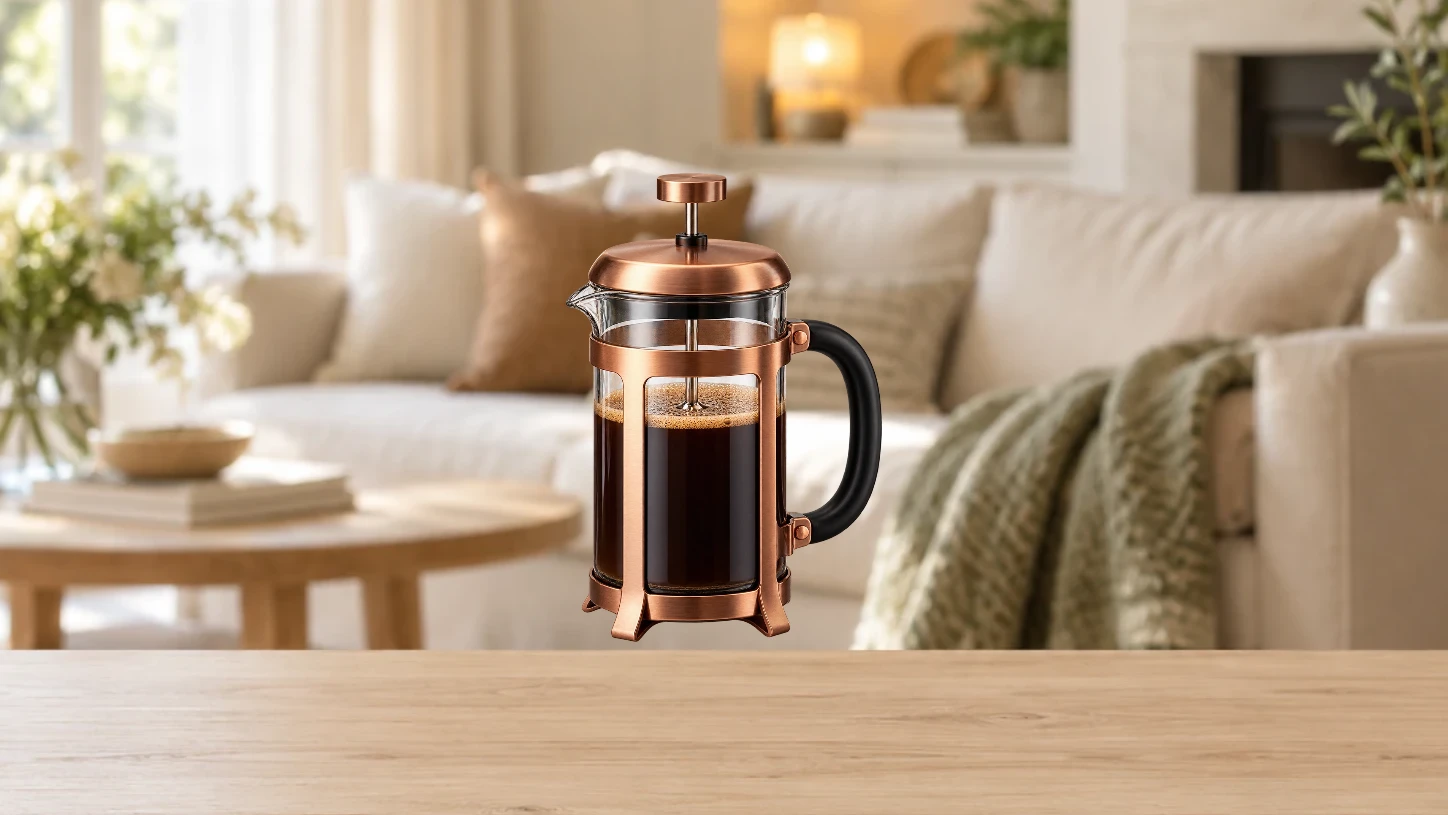
Make more room for your design.
Use AI expansion to extend the image edges, then crop and arrange the result. Choose the expansion amounts and start generation when you are ready.
Expand your imageFrom your photo to a finished image
- 01
Start with your photo
Choose one image to remove its background. For a whole set, open Bulk Editing.
- 02
Make it fit your purpose
Change the background, refine the cutout, or add text and a layout. Review the image as you edit.
- 03
Download the finished image
Export PNG, JPG, or WebP. Use PNG or WebP when you need a transparent background.
Common questions about Bgbye
Can I keep the text editable?
Yes. Text stays in separate layers while you edit. You can change its words, style, size, and placement before exporting the finished image.
Can I upload more than one image?
Yes. The home page handles one image at a time. To process multiple images together, use Bulk Editing. It requires an account and image credits.
Which image types can I upload?
You can upload PNG, JPG, JPEG, WebP, or AVIF images.
Can I review the result before I download it?
Yes. You can preview the result, compare the edges, and download only when it looks ready.