From portrait to finished delivery
Refine cutouts and create a consistent photo series
Check the cutout, change its setting, and adjust the image before exporting. Use batch editing when a series needs matching backgrounds and placement.
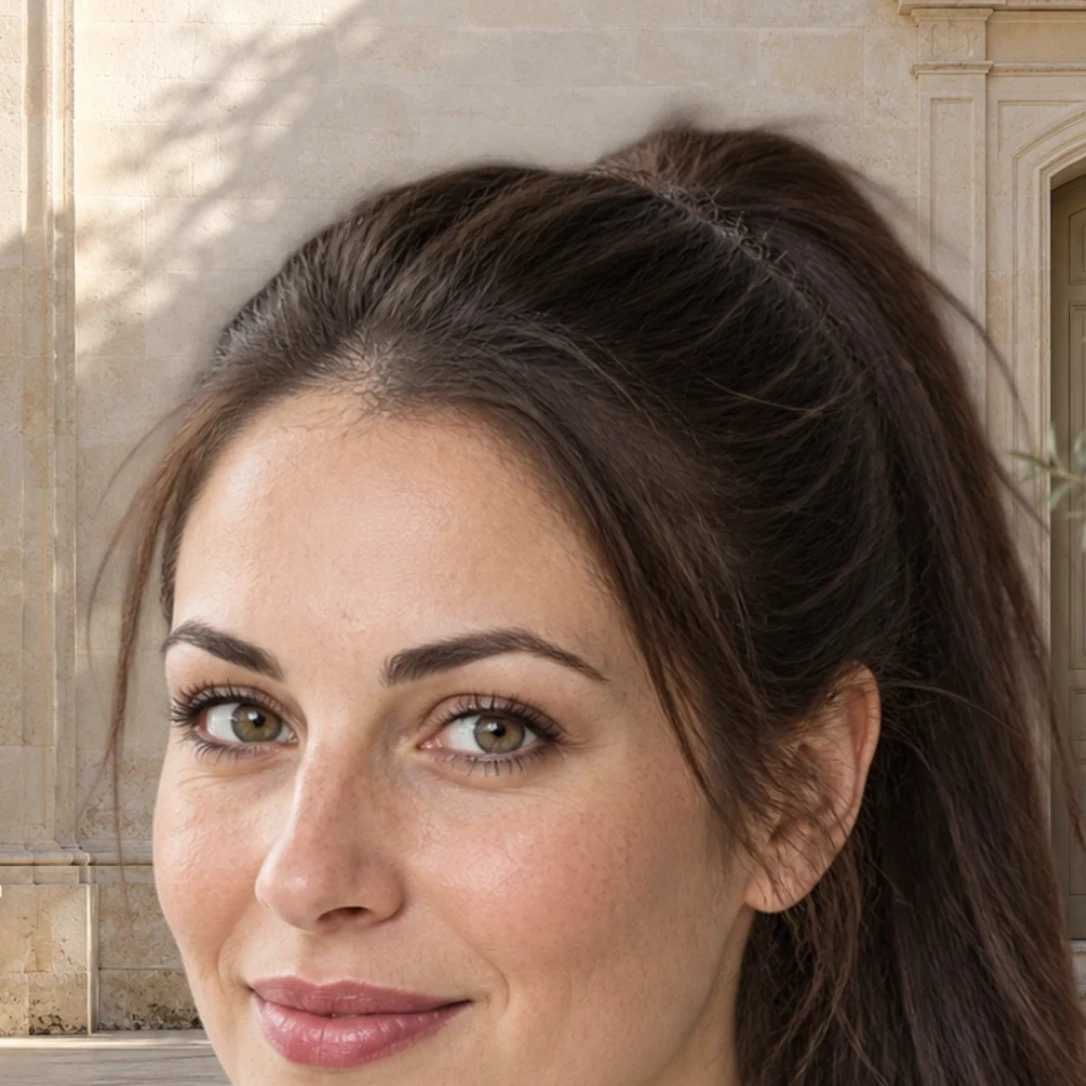
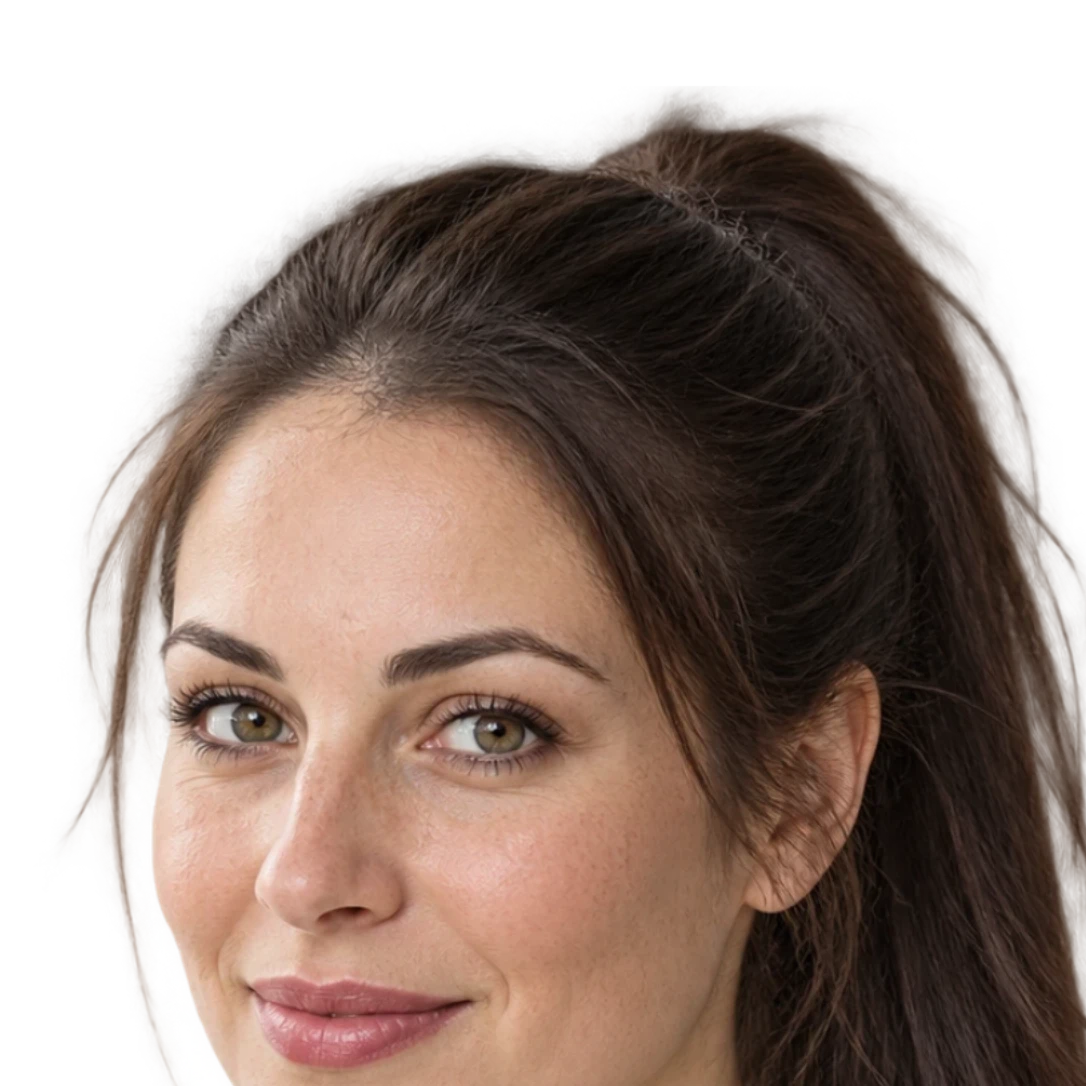
Refine hair and clothing edges
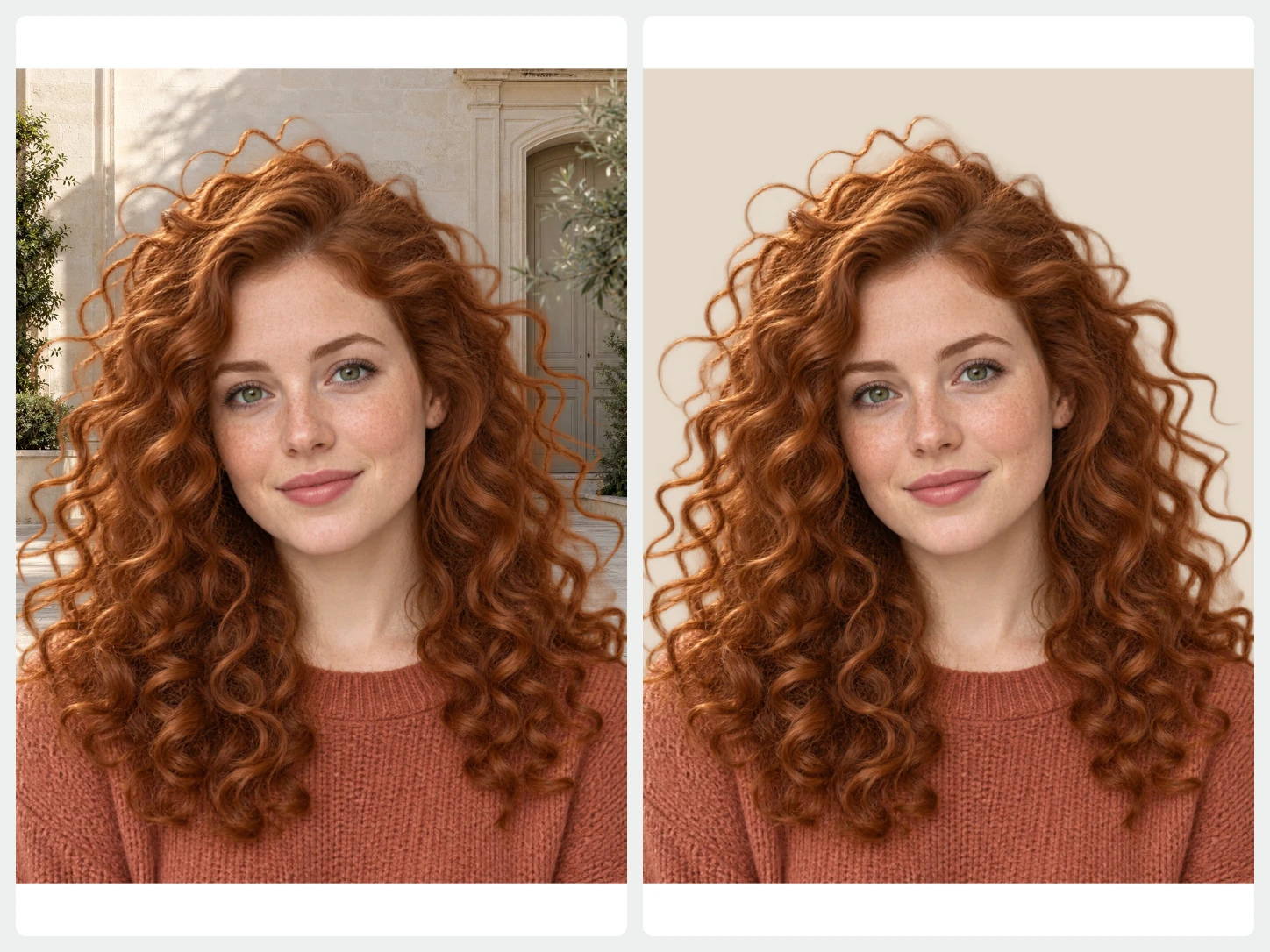
Compare the original and cutout, then use erase and restore strokes to refine areas that need attention. Each stroke can be undone.
Refine your cutout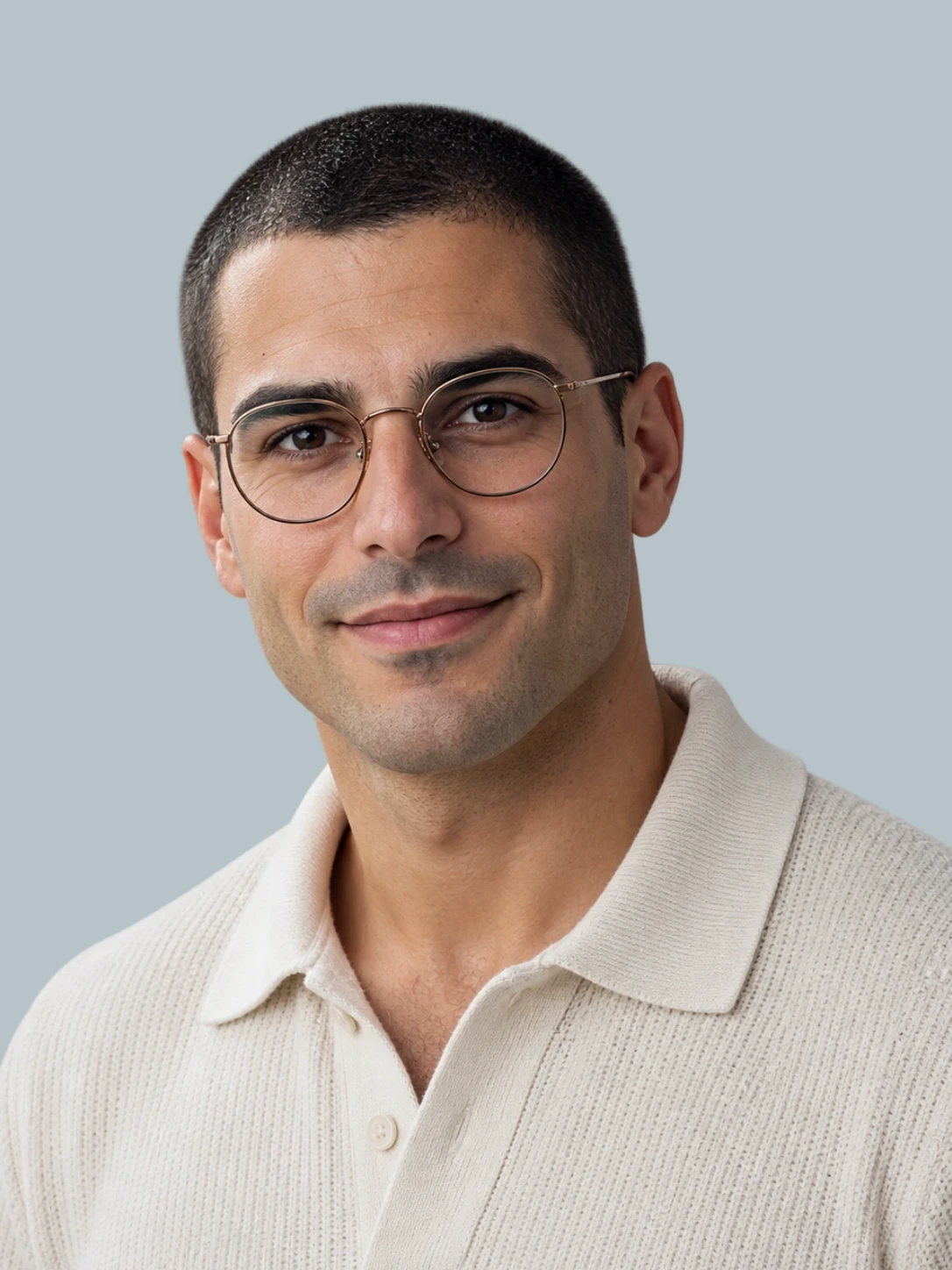
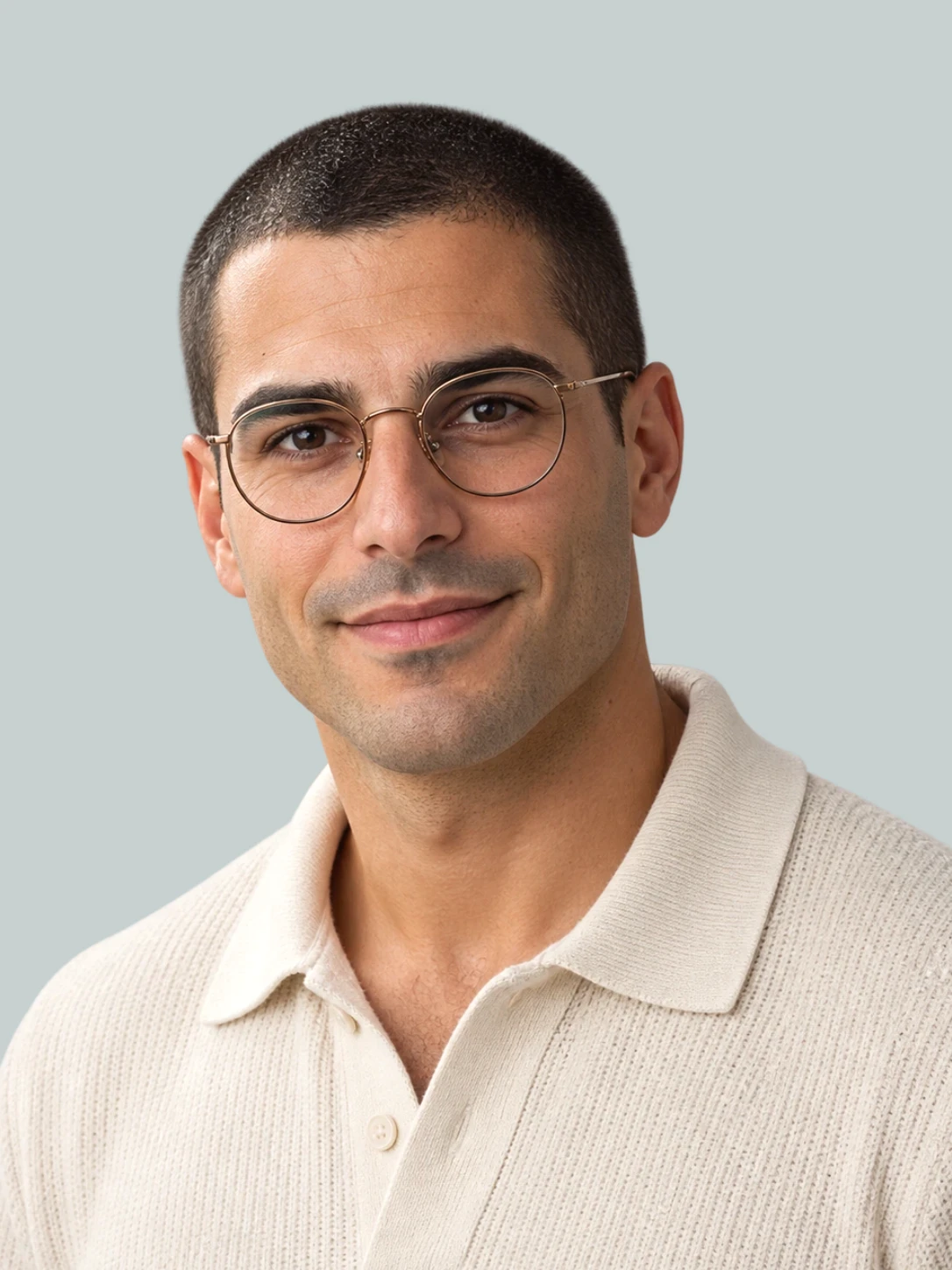
Adjust brightness, contrast, and temperature
Use brightness, contrast, temperature, and other color controls to adjust your image. Compare the result and undo changes as needed before exporting for delivery.
Adjust color and light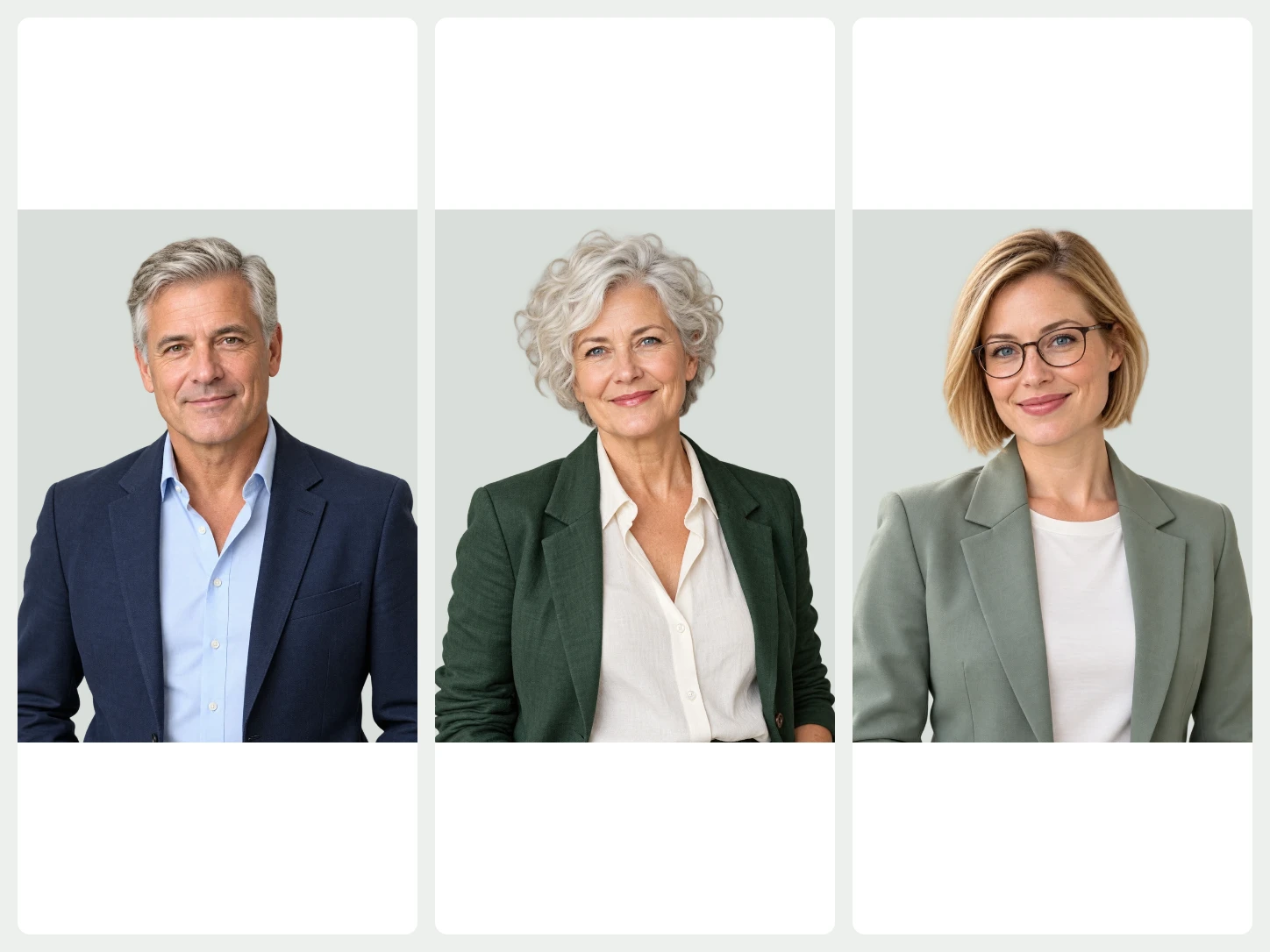
A consistent look across the series.
Apply a shared background, size, or template to a selection of photos. Make individual corrections and export the finished selection together.
Bulk EditingFrom your photo to a finished image
- 01
Start with your photo
Choose one image to remove its background. For a whole set, open Bulk Editing.
- 02
Make it fit your purpose
Change the background, refine the cutout, or add text and a layout. Review the image as you edit.
- 03
Download the finished image
Export PNG, JPG, or WebP. Use PNG or WebP when you need a transparent background.
Common questions about Bgbye
Can I process a coordinated series?
Yes. Use Bulk Editing to apply shared backgrounds, sizing, placement, and adjustments to selected images. Review individual images before downloading the set.
Can I upload more than one image?
Yes. The home page handles one image at a time. To process multiple images together, use Bulk Editing. It requires an account and image credits.
Which image types can I upload?
You can upload PNG, JPG, JPEG, WebP, or AVIF images.
Can I review the result before I download it?
Yes. You can preview the result, compare the edges, and download only when it looks ready.